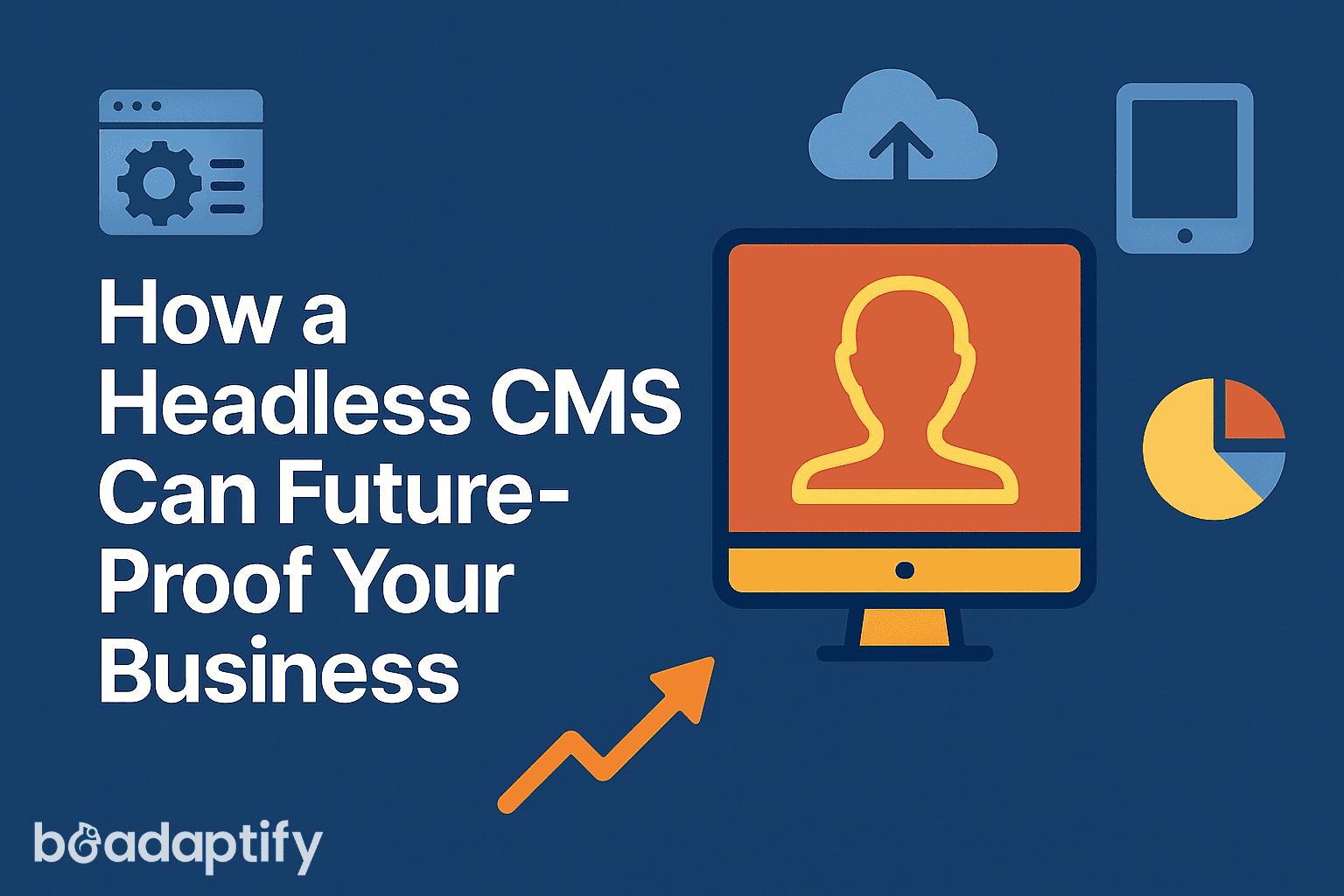
In a digitally oriented marketplace, it is essential that your content strategy is just as fluid as your business strategy. Product releases, cross-device promotion, and customer journey improvements are only some of the locations where business content is vital. Content needs to be available via the proper channel, at the proper time, and with the proper message. What do you do, then, when it is your CMS that is getting in your way?
This is the problem that modern web development companies as well as CMS development services are solving to aid businesses of all scales, be it startups or global enterprises, to leap from obsolete systems to modern infrastructures. Something vital to this transition is a headless CMS.
Empower your business to evolve with a headless CMS, as it does much more than the disengagement of front ends and back ends systems. Explore with us how it functions, why it is significant, and examine the role it plays in the realization of genuine digitally resilient experiences.
What Is a Headless CMS?
Traditional CMS vs Headless CMS
Publishing content to a single site is the only purpose of traditional CMS systems like WordPress or Joomla. They are tightly coupled where backend database, content editing, theming, and rendering are all stored in a single silo.
This worked well in the 2000s. But today’s businesses need content delivery across:
- Websites
- Mobile apps
- Smart TVs
- Wearables
- Voice interfaces
- In-store kiosks
- And beyond
That’s where a headless CMS shines.
Instead of bundling content and presentation, a headless CMS stores your content in a backend database and delivers it to any frontend via APIs. The “head” (the website or UI) is removed, giving developers full control over how and where content appears.
The Inner Workings of Headless Architecture
Here’s how it usually works:
- Content Repository: Structured, centralized database (e.g., entries, media, metadata)
- Admin Interface: Friendly backend for marketers and content creators
- Delivery Layer (API): REST or GraphQL endpoints deliver content to frontends such as websites, mobile applications, or IoT devices
- Frontend (Head): Developed in any framework (React, Vue, Angular) or language (JavaScript, PHP, etc.)
For businesses that work with a WordPress Development Company, some solutions offer “headless WordPress” setups—allowing teams to use WordPress as a content engine while delivering frontends through modern JavaScript frameworks.
The Evolution of CMS Platforms and Developer Needs
Content management systems have evolved in response to changing user expectations and developer demands:
- First Wave (Static HTML): Hand-coded, file-based sites
- Second Wave (Monolithic CMS): WordPress, Joomla, Drupal—good for blogs and marketing
- Third Wave (Headless CMS): API-first, cloud-native, flexible across any platform
As content consumption fragmented across mobile, desktop, and smart devices, developers needed more flexibility. That led to the rise of PHP Development Services offering customized backend logic, and Hire PHP Developers listings skyrocketing to integrate with these new platforms.
With microservices, Jamstack, and MACH architecture becoming the norm, the headless CMS is now essential in modern Web Development.
The Importance of Future-Proofing in a Multi-Channel World
Why Rigid Systems Fail
Traditional CMS platforms are inherently limited to one output: a webpage. As new channels emerge, this creates technical debt, redesigns, and delays.
Imagine launching content for:
- A voice assistant
- A smartwatch app
- A kiosk
- A mobile PWA
- A global multilingual site
If your CMS wasn’t built for omnichannel delivery, you’ll hit walls fast. That’s why CMS Development Companies are increasingly guiding clients toward headless implementations.
Future-Proofing Through Flexibility
Headless systems allow content to be reused, remixed, and deployed across channels. This creates a content infrastructure—not just a website CMS.
Businesses that Hire Web Developers to build flexible, modular UIs find themselves better prepared for both innovation and scale.
Key Benefits of Adopting a Headless CMS
Here’s what you gain:
Omnichannel Content Delivery
Distribute content across:
- Web
- Mobile apps
- Digital signage
- Voice interfaces
- IoT devices
A single content source powers every experience.
Frontend Freedom
Frontend devs can build fast, clean, optimized UIs using:
- React (Next.js)
- Vue (Nuxt)
- Angular
- Svelte
- Gatsby or Hugo
You’re not locked into one rendering method.
Performance and Scalability
Static site generation + CDN delivery = lightning speed and global scale. Developers using PHP Development Services can integrate Laravel or Symfony to enhance this with business logic, caching, or authentication.
Developer Efficiency
API-first CMS platforms offer:
- SDKs for common languages
- GraphQL queries
- Webhooks
- CI/CD support
Teams that Hire PHP Developers or Web Developers gain modular control and continuous delivery.
Enhanced Security
Headless architecture reduces vulnerabilities:
- No exposed database on the front end
- Fewer plugins
- Less attack surface
Faster Time-to-Market
Content and code are decoupled. Marketing teams don’t have to wait for dev updates. Developers don’t get slowed down by content edits.
How a Headless CMS Enhances Modern Tech Stacks
Jamstack Compatibility
Jamstack (JavaScript, APIs, Markup) thrives on headless CMS:
- Static generation for speed
- Pre-rendered content
- Secure by default
Ideal for SEO and performance.
MACH Architecture Ready
- Microservices
- API-first
- Cloud-native
- Headless
Businesses that Hire WordPress Developers now expect integration with services like Stripe, Algolia, and Segment—all via API.
Cloud-native Deployments
- Auto-scaling infrastructure
- CDN-based content delivery
- Version control and rollback
- CI/CD pipelines via Vercel, Netlify, or AWS Amplify
Use Cases by Industry: Who Benefits Most
E-commerce
- Product catalog with variants, currencies, languages
- Integrated search
- Dynamic landing pages
- Headless Shopify + CMS combo
Media and Publishing
- Syndication across platforms
- Multi-author workflows
- Scheduled posts and real-time editing
SaaS & Startups
- App documentation
- Developer portals
- Product changelogs
For startups that Hire PHP Developers, building backend APIs that feed a headless CMS makes versioned content a breeze.
Large Enterprises
- Localization and regional control
- Complex user permissions
- Compliant workflows (GDPR, HIPAA)
Leveraging Personalization at Scale With a Headless CMS
Headless CMSs can integrate with:
- CDPs (Customer Data Platforms)
- CRM systems (Salesforce, HubSpot)
- Behavioral analytics (Amplitude, Mixpanel)
- A/B Testing engines (Optimizely, VWO)
You can dynamically serve personalized content based on:
- Location
- User role
- Device
- Behavior history
PHP Development Companies frequently build middleware to support such integrations for data-rich personalization.
Common Headaches and Challenges of Going Headless
- Content Preview Limitations: You’ll require preview environments and rendering logic
- More Developer Dependency: You need to Hire Web Developers who are knowledgeable about JS and API consumption
- Initial Setup Time: More initial planning for content models and API endpoints
- Training Requirements: Editors and marketers will need to learn a new workflow
Best Practices for a Seamless Headless CMS Implementation
- Define a Content Model: Start with atomic content types: headings, images, CTAs, blocks
- Choose the Right CMS: Consider your team needs, developer stack, and third-party integrations.
- Deploy DevOps Early: CI/CD, linting, and previews must be part of the plan
- Invest In Governance: Permissions, workflows, and staging must be structured early
- Partner with a CMS Development Firm: They offer pre-coded connectors, security scans, and best practices
Top Headless CMS Platforms to Consider in 2025
| Platform | Best For |
|---|---|
| Contentful | Enterprise, localization-heavy apps |
| Sanity | Developer-driven, real-time previews |
| Strapi | Open-source, flexible, self-hosted |
| Storyblok | Visual editing + headless architecture |
| Hygraph | GraphQL-first, composable content |
| Directus | SQL-based, great for data-rich platforms |
How CMS Development Companies and PHP Developers Add Value
A CMS Development Company helps:
- Choose and customize the right CMS
- Build reusable content models
- Implement content previews
- Ensure SEO optimization
- Design secure, scalable APIs
Meanwhile, PHP Development Services can:
- Build custom integrations (payment, auth, search)
- Create business logic for publishing rules
- Handle headless WordPress or Laravel CMS APIs
If you want to Hire WordPress Developers or Hire PHP Developers, look for ones familiar with GraphQL, JWT auth, and component-based design systems.
Emerging Trends in Headless Content Management
- AI Assistants for Content Creation: NLP-powered copy suggestions
- Composable Experience Platforms: Headless CMS + DAM + CRM + Analytics
- Low-code Integrations: No-code tools like Webflow integrated with CMS APIs
- Content Ops Automation: From approval workflows to translation sync
Final Thoughts
If you’re gearing up for scale, going global, or having trouble getting content out the door efficiently, a headless CMS is no longer an indulgence—it’s a requirement. By partnering with the right Web Development Company or CMS Development Services, you can develop a system that accommodates today’s channels and tomorrow’s innovations.
Whether you’re refactoring your stack or building from the ground up, don’t merely consider publishing—consider performance, flexibility, customization, and scaling. The headless CMS is how you integrate all of that into your future.
Frequently Asked Questions (FAQ)
Is a headless CMS only for large enterprises?
No. While large enterprises benefit greatly from headless CMS architecture due to complex content needs and multichannel delivery, small and mid-sized businesses are also adopting it—especially those looking for scalability, speed, and flexibility. Whether you’re launching a product, building a SaaS tool, or rebranding, a headless CMS grows with you.
Does a headless CMS work with WordPress?
Yes, WordPress can be utilized as a “headless” CMS. Here, the WordPress admin dashboard is employed to create and edit content, but the content is delivered through REST or GraphQL APIs to a frontend developed with React, Vue, or some other toolset. Those firms that hire a WordPress Development Company generally follow this strategy to pair tried-and-true content management with the front-end flexibility of today.
How is a headless CMS more effective in terms of site performance and SEO?
Headless CMSs easily provide integration with static site generators and CDN-based delivery, which means quicker page loads. Quicker websites mean improved user experience and greater SEO rankings. Moreover, newer frameworks employed within headless architecture (like Next.js or Nuxt.js) are equipped with native SEO support for structured data, metadata, and indexing.
What skills or resources are required to adopt a headless CMS?
Implementing a headless CMS usually requires a developer (or a team) proficient in modern JavaScript frameworks and API integration. Many businesses Hire Web Developers, Hire PHP Developers, or partner with a CMS Development Company to build or migrate their infrastructure. You’ll also need UI/UX designers and content strategists for optimal performance.
Can a headless CMS be integrated with third-party APIs and tools?
Yes. One of the big benefits of going headless is that it can integrate easily with:
- CRMs such as Salesforce or HubSpot
- E-commerce platforms such as Shopify or BigCommerce
- Analytics tools such as Google Analytics or Amplitude
- Marketing automation tools
- Translation services
- CDNs and DAMs
This makes the stack very customizable and modular.
Will my content editors and marketing department be able to use a headless CMS?
Yes, with a few exceptions. Most headless CMS solutions provide clean and user-friendly content interfaces. But because the content is not directly connected to a page layout, editors will not necessarily receive real-time visual overviews unless the CMS has live preview or a visual builder (such as Storyblok).
Training and onboarding assistance from your partner in CMS Development Services can ensure that non-technical teams ramp up quickly.
How does a headless CMS secure my business?
Old CMSs have a tendency to expose their database and admin interface to the public web, which increases the risk of SQL injections, brute-force login attempts, and plugin exploits. A headless CMS, on the other hand, has its content layer hidden behind secure APIs, and front and back end are strictly separated—exposure is minimal and attack vectors are less.
Is it more costly to be headless?
At first, it can take more development time and initial setup costs to embark on a headless CMS initiative. Yet it dramatically lowers long-term maintenance, technical debt, and redesign expenses. ROI builds up over time with the capacity to reuse content on multiple platforms and deploy marketing campaigns quicker.
Collaborating with an experienced Web Development Company guarantees cost-effectiveness and flexible architecture right from the start.