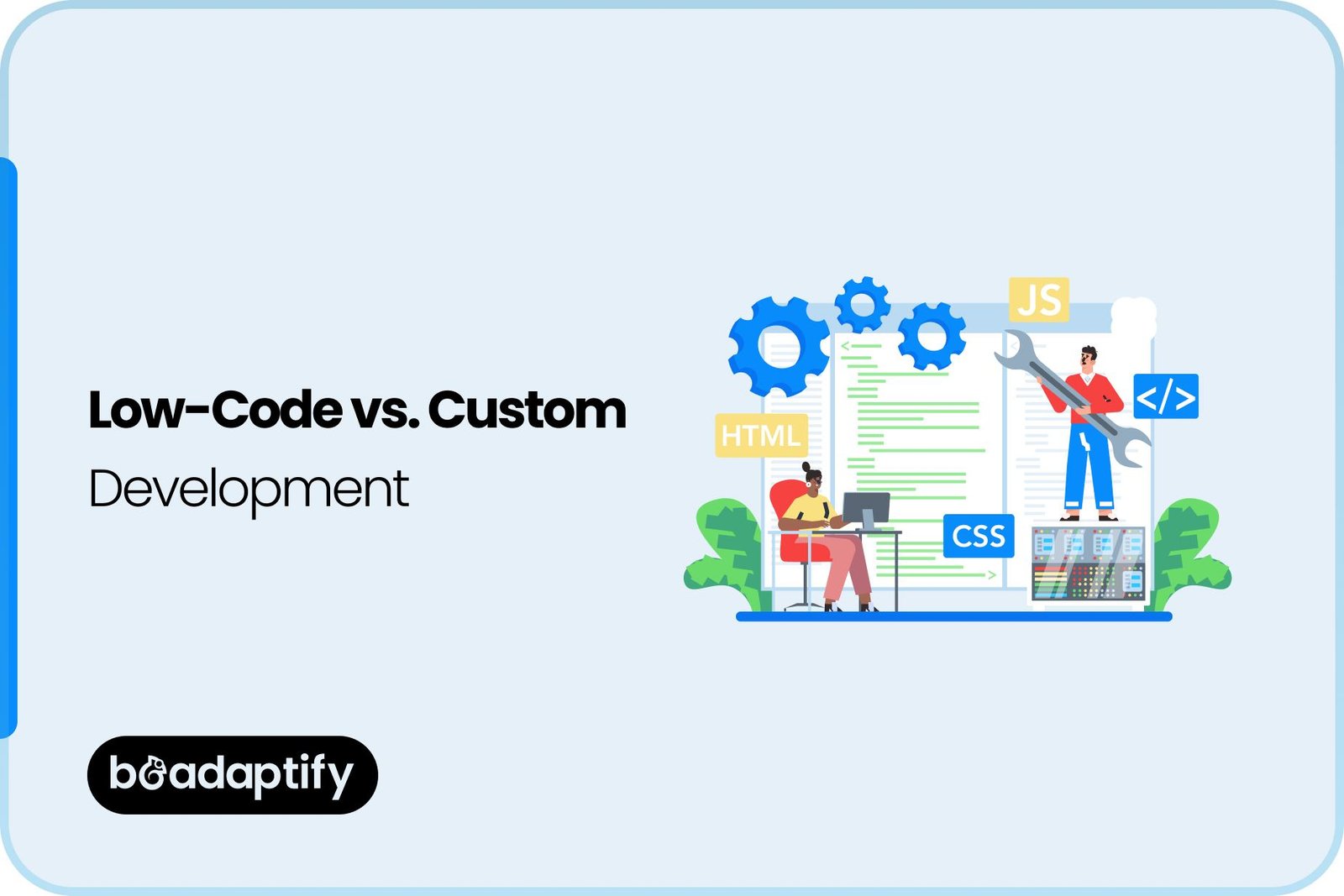
The demand for faster digital product development has increased significantly as businesses have been pushed to deliver new applications, automate operations, and improve customer experiences. As a result, low-code platforms have gained considerable attention as an alternative to traditional custom software development.
Low-code development allows applications to be assembled using visual interfaces, prebuilt components, workflow builders, integrations, and automation tools. Custom development, on the other hand, is based on software that is designed and coded specifically around an organization’s requirements.
The decision between these two approaches should not be based only on development speed or initial cost. Long-term scalability, flexibility, security, performance, ownership, maintenance, integrations, and total cost of ownership should also be considered.
For a simple internal application, a low-code platform may provide a practical way to launch quickly. For a highly differentiated product, complex SaaS platform, enterprise system, or consumer-facing mobile application, custom development may provide greater control and long-term value.
In this guide, low-code and custom development are compared across cost, scalability, flexibility, security, performance, maintenance, development time, and use cases. The advantages and limitations of each approach are also explained to help businesses make a more informed technology decision.
What Is Low-Code Development?
Low-code development is an application development approach in which software is created primarily through visual interfaces instead of traditional programming. Prebuilt components, templates, drag-and-drop interfaces, workflow builders, database connectors, and automation tools are commonly provided by low-code platforms.
Some coding can still be introduced when additional customization is required. This makes low-code development different from no-code development. While no-code platforms are generally designed to minimize programming completely, low-code platforms are usually intended to be used by developers and technical teams.
A low-code application can contain:
- Visual user interfaces
- Prebuilt workflows
- Database connections
- API integrations
- Authentication
- Automated processes
- Custom code
- Third-party integrations
- Analytics
- Deployment tools
The main objective is to reduce repetitive development work while retaining some degree of technical control.
What Is Custom Development?
Custom development refers to software that is designed and developed specifically for the requirements of a business or product. Instead of being restricted to the components offered by a platform, the architecture, backend, database, APIs, interface, and functionality can all be created according to project requirements.
Custom development can be used for:
- Mobile applications
- SaaS platforms
- Enterprise systems
- E-commerce platforms
- Healthcare applications
- Financial applications
- Marketplaces
- Social networks
- Logistics platforms
- Customer portals
Because the software is developed specifically for the organization, greater control can be maintained over functionality, architecture, infrastructure, and future expansion.
Low-Code vs. Custom Development: At a Glance
Factor |
Low-Code Development |
Custom Development |
|---|---|---|
| Initial Cost | Usually lower | Usually higher |
| Development Speed | Faster | Slower |
| Customization | Moderate to high | Very high |
| Scalability | Platform-dependent | Highly controllable |
| Performance | Platform-dependent | Fully optimizable |
| Technical Control | Limited to moderate | Extensive |
| Integrations | Prebuilt + custom options | Fully customizable |
| Vendor Dependency | Higher | Lower |
| Maintenance | Often simplified | Requires technical resources |
| Security Control | Platform-dependent | Highly customizable |
| Source Code Ownership | May be limited | Usually full ownership |
| Long-Term Flexibility | Moderate | High |
| Best For | Internal tools, prototypes, simple products | Complex and strategic software |
Neither approach should automatically be considered superior. The right option depends on the nature of the product and its long-term objectives.
Low-Code vs. Custom Development: Cost Comparison
Cost is one of the first factors considered when a development strategy is selected. Low-code development often requires a lower initial investment because much of the infrastructure and functionality is already available through the platform. Custom development generally requires a larger upfront investment because the application architecture, interface, backend, database, APIs, and other components must be built.
However, initial development cost should not be confused with total cost of ownership.
Low-Code Development Costs
Low-code costs may include:
- Platform subscriptions
- User licenses
- Premium features
- API usage
- Database usage
- Storage
- Automation limits
- Professional customization
- Maintenance
For a small internal application, these costs can remain relatively low. As usage grows, however, subscription and licensing expenses may increase.
Custom Development Costs
Custom development costs may include:
- Product discovery
- Business analysis
- UI/UX design
- Frontend development
- Backend development
- Database architecture
- API development
- Cloud infrastructure
- Quality assurance
- Security testing
- Deployment
- Maintenance
The initial cost can therefore be higher. However, complete control over the architecture may reduce dependency on recurring platform fees.
Which Is More Cost-Effective?
There is no universal answer.
Low-code can be more cost-effective when:
- The application is relatively simple.
- Standard workflows are required.
- Development speed is important.
- Limited customization is needed.
- The application is internal.
- The user base is relatively small.
Custom development can be more cost-effective over the long term when:
- The product is expected to scale significantly.
- Complex functionality is required.
- Platform limitations could create workarounds.
- Full ownership is important.
- The application is strategically important.
- Extensive customization is required.
A total cost analysis should therefore be performed before the final decision is made.
Scalability: Low-Code vs. Custom Development
Scalability refers to the ability of software to handle increasing users, transactions, data, and workloads. This factor becomes particularly important when an application is expected to grow rapidly.
Low-Code Scalability
Scalability is determined largely by the underlying platform. Some enterprise-grade low-code platforms are designed to support large workloads.
However, limitations may be encountered regarding:
- Database performance
- API calls
- Concurrent users
- Automation limits
- Storage
- Custom processing
- Infrastructure control
If the platform cannot accommodate future requirements, migration or redevelopment may eventually be necessary.
Custom Development Scalability
Custom development provides significantly greater control over scalability. Architecture can be designed around expected growth.
Scalable systems can incorporate:
- Cloud infrastructure
- Load balancing
- Caching
- Content delivery networks
- Microservices
- Containerization
- Database optimization
- Horizontal scaling
- Auto-scaling
Because the underlying infrastructure can be controlled, the application can be optimized as demand increases. For products expected to serve millions of users, custom development is often preferred when highly specialized scalability requirements are involved.
Flexibility: Low-Code vs. Custom Development
Flexibility is one of the biggest differences between the two approaches.
Low-Code Flexibility
Low-code platforms provide flexibility within the boundaries established by the platform.
Applications can often be modified through:
- Visual workflows
- Configurable components
- APIs
- Plugins
- Custom scripts
- Extensions
This can be sufficient for many business applications. However, highly unique requirements may not be supported natively.
Custom Development Flexibility
With custom development, almost every aspect can be modified.
The following can be designed according to project requirements:
- Application architecture
- User interface
- Business logic
- Database structure
- APIs
- Authentication
- Integrations
- Algorithms
- Infrastructure
This level of control can be particularly valuable when the product needs to be differentiated from competitors.
Development Speed Comparison
Low-code platforms are designed to accelerate development. Prebuilt components and visual tools can reduce the amount of repetitive coding required. A simple application may be developed in weeks instead of months.
Custom development generally requires more time because every major component needs to be designed, developed, tested, and integrated. However, speed should not be evaluated independently of complexity.
A complex low-code project can become slower if numerous workarounds are required. Similarly, a well-architected custom application can be developed efficiently when requirements are clearly defined.
Low-Code vs. Custom Development for MVPs
An MVP should be created to validate a product concept with minimum unnecessary investment.
Low-code can be useful when:
- The MVP contains standard workflows.
- Rapid validation is required.
- The product concept is uncertain.
- Limited customization is needed.
For example, a simple appointment booking platform or internal management dashboard may be prototyped efficiently through low-code. Custom development may be preferred when the MVP itself needs to demonstrate unique technology or differentiated functionality.
For example:
- AI-powered platforms
- Advanced marketplaces
- Social networking applications
- Fintech products
- Complex healthcare platforms
may require custom architecture even during the MVP stage.
Low-Code vs. Custom Development for Mobile Apps
Mobile application requirements can vary substantially. A basic business application may be developed using low-code tools. However, applications requiring advanced mobile functionality can benefit from custom development.
Examples include:
- Real-time communication
- GPS tracking
- Bluetooth
- Camera processing
- Augmented reality
- Wearable integrations
- Advanced animations
- Offline synchronization
- Device-specific functionality
Professional mobile application development services can be used when these requirements need to be implemented with greater control. Custom development can also provide greater flexibility when iOS and Android experiences need to be optimized individually.
Low-Code vs. Custom Development for SaaS Products
SaaS applications often require sophisticated functionality such as:
- Multi-tenancy
- Subscription management
- Billing
- Role-based access
- APIs
- Analytics
- Integrations
- Notifications
- Data isolation
Low-code can be useful for early prototypes or relatively simple SaaS products. However, a SaaS product expected to become a major commercial platform may eventually require custom development. Long-term architecture should therefore be considered before a low-code platform is selected.
Low-Code vs. Custom Development for Enterprise Software
Enterprise applications often require:
- Complex integrations
- Security
- Compliance
- Scalability
- Advanced reporting
- Role-based access
- Workflow automation
- Data governance
Low-code can be effective for departmental applications and internal workflows. Custom development may be more appropriate for mission-critical enterprise systems where complete control is required.
A hybrid strategy can also be used. For example, low-code tools can be used for internal automation while custom software is used for core business systems.
Security Comparison
Security is an important consideration for both development approaches.
Low-Code Security
Security features may be provided by the platform, including:
- Authentication
- Authorization
- Encryption
- Access control
- Audit logging
- Security updates
However, organizations remain responsible for proper configuration and application-level security. Platform security capabilities should therefore be evaluated before adoption.
Custom Development Security
Custom development allows security mechanisms to be designed around specific requirements.
Organizations can control:
- Authentication
- Authorization
- Encryption
- Database access
- Network architecture
- API security
- Logging
- Monitoring
However, greater control also creates greater responsibility. Poorly designed custom software can introduce security vulnerabilities. Experienced development teams and comprehensive testing should therefore be involved.
Integration Capabilities
Modern applications rarely operate independently.
Integrations may be required with:
- Payment gateways
- CRM systems
- ERP systems
- Analytics platforms
- Cloud services
- Communication tools
- Marketing platforms
- Identity providers
Low-Code Integrations
Prebuilt connectors can make common integrations easier. However, custom integrations may become challenging when unsupported systems need to be connected.
Custom Integrations
Custom development provides greater freedom. APIs can be designed, transformed, authenticated, and optimized according to requirements. This makes custom development particularly useful for businesses with complex technology ecosystems.
Performance Comparison
Performance can vary considerably. Low-code applications depend on the platform’s runtime environment, architecture, and optimization capabilities.
For standard business workflows, performance may be sufficient. For high-performance applications, greater optimization may be required. Custom development allows performance to be controlled at multiple levels:
- Code
- Database
- APIs
- Caching
- Infrastructure
- Network
- Media processing
This can be particularly important for applications with high transaction volumes or real-time functionality.
Maintenance and Updates
Low-code platforms can simplify maintenance because platform-level updates and infrastructure may be managed by the provider. However, changes made by the platform provider can also affect application functionality. Custom software requires internal or external technical support.
Maintenance may include:
- Bug fixes
- Security updates
- Performance improvements
- Infrastructure updates
- Feature development
- Dependency management
Although custom maintenance can require more technical resources, greater control is maintained over update schedules and architecture.
Vendor Lock-In
Vendor lock-in occurs when an organization becomes heavily dependent on a specific technology provider. This is a major consideration with low-code platforms.
If application logic, data structures, workflows, and integrations are tightly connected to the platform, migration may become difficult. Custom development generally provides more portability. Source code, databases, APIs, and infrastructure can be managed independently.
For businesses with long-term technology independence as a priority, this difference can be significant.
Ownership and Control
With custom development, the organization can typically retain greater control over:
- Source code
- Database
- Architecture
- Infrastructure
- APIs
- Deployment
Low-code platforms may restrict some of these areas. Before selecting a platform, ownership terms should be reviewed carefully.
Questions should be asked regarding:
- Data ownership
- Source-code access
- Export options
- API access
- Migration support
- Intellectual property
Low-Code vs. Custom Development: Long-Term Flexibility
Short-term flexibility and long-term flexibility are not necessarily the same. Low-code provides fast changes within the platform environment.
Custom development provides broader control over how the software evolves. If future requirements are uncertain and expected to change substantially, custom development may provide more room for adaptation.
If requirements are stable and closely aligned with platform capabilities, low-code can remain a practical option.
When Should Low-Code Development Be Chosen?
Low-code should be considered when:
- Rapid development is required.
- The application has standard functionality.
- Limited customization is needed.
- Internal business workflows are being automated.
- The budget is constrained.
- A prototype needs to be created quickly.
- Platform scalability meets expected requirements.
Common examples include:
- Internal dashboards
- Approval systems
- Employee portals
- Basic CRM tools
- Workflow automation
- Reporting systems
- Simple customer portals
When Should Custom Development Be Chosen?
Custom development should be considered when:
- Unique functionality is required.
- Large-scale growth is expected.
- Advanced integrations are required.
- High performance is essential.
- Full ownership is important.
- Platform independence is required.
- Complex security requirements exist.
- The product is a major competitive differentiator.
Custom development is commonly preferred for:
- SaaS platforms
- Fintech systems
- Healthcare applications
- Marketplaces
- Social platforms
- Enterprise software
- AI-powered products
- Advanced mobile applications
Can Low-Code and Custom Development Be Combined?
Yes. A hybrid approach can provide a practical balance.
For example, low-code can be used for:
- Internal workflows
- Administrative tools
- Reporting
- Prototypes
Custom development can be used for:
- Customer-facing applications
- Core business logic
- Payment systems
- AI functionality
- Advanced APIs
- Mobile applications
This approach can allow development resources to be allocated according to technical complexity.
How to Decide Between Low-Code and Custom Development
The following questions should be considered before a final decision is made.
1. How complex is the application?
Simple applications may be suitable for low-code. Complex applications may require custom development.
2. How quickly must the product be launched?
If rapid validation is critical, low-code may provide an advantage.
3. How much customization is required?
Highly unique functionality generally favors custom development.
4. How large will the user base become?
Expected growth should be compared with the platform’s scalability capabilities.
5. How important is complete ownership?
If full technical control is required, custom development may be preferable.
6. How many integrations are required?
Complex integration environments generally benefit from custom development.
7. How sensitive is the data?
Security, compliance, and data governance requirements should be carefully evaluated.
8. What is the long-term product strategy?
The development approach should support the expected evolution of the product.
Cost Optimization Strategies
Regardless of the selected approach, costs can be controlled through careful planning.
Start With Clear Requirements
Unclear requirements often result in rework.
Prioritize Features
Essential functionality should be developed before secondary features.
Use an MVP Strategy
A focused MVP can be used to validate demand before larger investments are made.
Choose Technology According to Requirements
Technology should not be selected solely because it is popular.
Build for Future Expansion
Architecture should be designed to accommodate expected growth without unnecessary complexity.
Monitor Third-Party Costs
API, cloud, storage, and platform subscription costs should be included in the financial plan.
Future of Low-Code and Custom Development
Artificial intelligence is expected to influence both development approaches.
AI-assisted development can be used to:
- Generate code
- Create interfaces
- Generate workflows
- Write documentation
- Detect bugs
- Automate testing
- Suggest architecture
- Analyze application performance
Low-code platforms are also increasingly incorporating AI-powered development assistants. At the same time, custom development is being accelerated through AI coding tools and automated development workflows. As a result, the difference in development speed between the two approaches may continue to narrow.
However, architecture, security, scalability, and product strategy will remain important regardless of how software is created.
Why Choose Beadaptify for Custom Software Development?
Choosing the right development approach requires more than comparing development costs. Product complexity, scalability, integrations, user experience, security, and long-term business objectives should all be evaluated.
At Beadaptify, software products can be planned and developed according to the specific requirements of each business. A suitable combination of technology, architecture, design, and development practices can be selected rather than relying on a one-size-fits-all approach.
For mobile products, specialized mobile app development services can be provided for iOS, Android, and cross-platform applications. Our mobile application development solutions can be designed for startups, enterprises, and growing businesses requiring scalable and user-focused applications.
Through comprehensive design & development services, product experiences can be created that combine functionality, usability, performance, and visual consistency. When low-code is appropriate, its advantages can be evaluated. When custom development provides greater long-term value, a tailored architecture can be planned accordingly.
Final Thoughts
Low-code and custom development represent two different approaches to solving modern software development challenges. Low-code provides speed, convenience, reusable components, and simplified development. It can be particularly effective for internal applications, workflow automation, prototypes, and products that fit well within an existing platform’s capabilities.
Custom development requires a greater initial investment, but greater control over architecture, functionality, scalability, security, performance, integrations, and ownership can be achieved. The right decision should therefore not be based solely on which option is cheaper or faster. For a straightforward business application, low-code may provide the ideal balance between cost and speed. For a complex, strategic, or highly differentiated digital product, custom development may provide stronger long-term value.
In some situations, a hybrid strategy can be used so that low-code and custom development complement one another. Ultimately, the best development approach is the one that supports the product’s current requirements while providing enough flexibility for future growth.

FAQs About Low-Code vs Custom Development
Is custom development more scalable than low-code?
Custom development generally provides greater control over architecture and infrastructure. This can make it easier to optimize software for significant growth. However, scalability also depends on development quality and architecture.
Which is more flexible: low-code or custom development?
Custom development generally provides greater flexibility because the application can be designed and coded around specific requirements. Low-code provides flexibility within the capabilities of the selected platform.
Can low-code be used to build an MVP?
Yes. Low-code can be an effective option for MVPs when the required functionality can be implemented using the platform’s capabilities.
When should custom development be used?
Custom development should be considered when unique functionality, advanced integrations, high scalability, specialized security, complete ownership, or extensive customization is required.
Can low-code applications be used by enterprises?
Yes. Enterprise-grade low-code platforms can be used for internal applications, workflows, automation, and some customer-facing solutions. Platform security and scalability should be evaluated before adoption.
Is custom software more expensive to maintain?
Custom software can require more technical resources for maintenance. However, greater control is provided over updates, infrastructure, integrations, and future development.
Can low-code and custom development be combined?
Yes. A hybrid approach can be used where low-code tools are used for simple workflows while custom development is used for core or complex functionality.
Which approach is better for mobile applications?
The answer depends on the application’s requirements. Simple mobile applications may be suitable for low-code, while applications requiring advanced device capabilities, complex integrations, high performance, or unique experiences may benefit from custom development.